Update a brand asset
Clear an obsolete badge from a campaign image you own before placing new branding in your design software. Inspect any texture behind the old mark.
AI photo brush
Prepare your own product photo, mockup, or campaign image for updated branding. Brush over the old logo or corner badge and check the rebuilt surface. This workflow removes the logo itself; it does not extract a logo or make its background transparent.
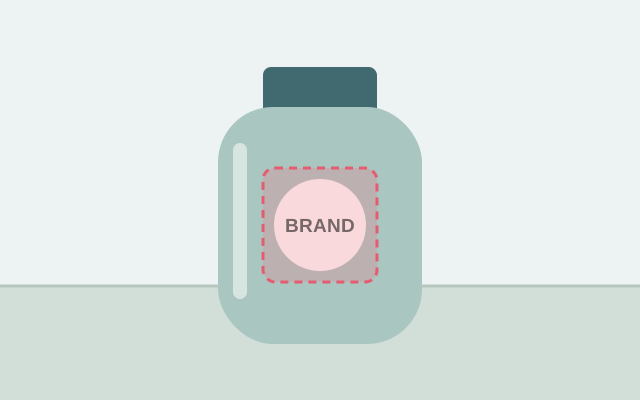
Selection guide · illustration, not an edit result
Mark every part of the logo: symbol, wordmark, border, and shadow. Keep nearby product edges outside the brush selection.
2 free edits per network IP every 24 hours, shared across all tools. JPG, PNG, WebP; up to 10 MB and 16 MP.
Step 1
2 free edits per network IP every 24 hours. Failed edits do not count.
Clear an obsolete badge from a campaign image you own before placing new branding in your design software. Inspect any texture behind the old mark.
Erase a local brand mark from an authorized packaging draft. Curved bottles, folds, and reflective surfaces require extra review because the fill may change their appearance.
Upload the authorized JPG, PNG, or WebP, within 10 MB and 16 megapixels. Keep the original for comparison.
Use the brush to select the symbol and all lettering. Include a logo’s border or glow without crossing the product silhouette unnecessarily.
Run the edit and inspect the surface where the logo sat. Look for distortion in seams, folds, and reflections, then download the PNG.
A clean-looking flat patch can still flatten a bottle or fabric fold. Compare the overall shape, not only whether the letters disappeared.
Clear the old mark first. This editor does not add a replacement logo; use a design tool to position the new artwork on your downloaded result.
No. This page is for erasing the logo from the picture and filling its former area. Keeping the logo while cutting away its background is a different task.
You can brush over the print, but fabric folds and patterns may not be reconstructed accurately. Check the material at full size before using the result.
No. The tool removes selected content and exports a PNG. Add your new logo afterward in an editor that supports artwork placement.
Choose a task for selection advice, practical steps, and what to expect from the result.