Save a travel photo
Brush away a passer-by at the edge of the frame or a bin behind your subject without cropping the photo.
Keep the photo you took and brush out what wandered into the frame. This web-based magic eraser works in a compatible browser on iPhone, Android and desktop.
Open the editor in your browser and brush over a distraction without signing up. Your network IP gets 2 free edits per 24-hour window across all tools. Download a lossless PNG at working size, up to 4 MP, with no added watermark.
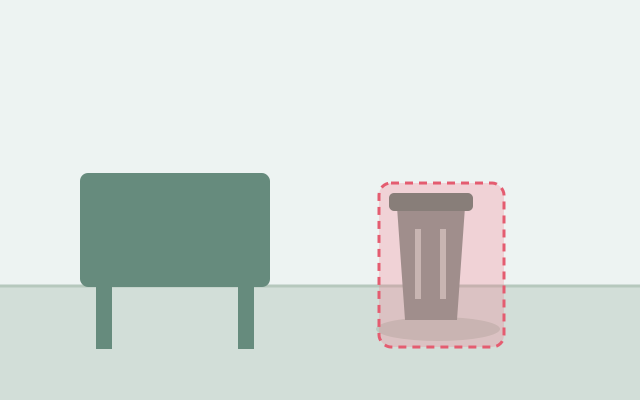
Brush selection illustration
Trace the whole object and include its short contact shadow if it touches the object. Use a smaller brush wherever that outline meets something you want to keep.
2 free edits per network IP every 24 hours, shared across tools.
Step 1
2 free edits per network IP every 24 hours.
Within the free guest allowance, download a lossless PNG at the working dimensions, up to 4 MP. A 2000 × 1500 working image can download at that size. Cleanup.pictures lists a 720 px free export limit. These limits describe the saved image dimensions. The appearance of the repaired area depends on what the brush covers and the surrounding detail.
| Tool | Access | Download dimensions |
|---|---|---|
| AI Object Remover | Edit and download without signing in. 2 free edits per IP in a 24-hour window. | Lossless PNG at working-image dimensions up to 4 MP, without an added watermark. |
| Cleanup.pictures | Free version available. | Free export limited to 720 px. |
| Apple Photos (Clean Up) | Requires a compatible Apple device and OS. | Apple’s Clean Up requirements do not specify a separate export cap. |
| Canva | A Canva account with access to Magic Eraser is required. | Design export size and controls depend on format and plan. |
Failed edits do not count when the temporary reservation is released. If a request is interrupted before the release, the slot may stay in use until the 24-hour window resets.
Brush away a passer-by at the edge of the frame or a bin behind your subject without cropping the photo.
Remove loose packaging next to the item. Keep any marks or wear that a buyer needs to see.
Open one JPG, PNG or WebP up to 10 MiB from your camera roll or computer.
Mark the distraction, undo a stroke if it crosses an important edge, then start the edit.
Compare the result with the original, then save the PNG or continue editing the result.
Keep both ends of a railing, kerb or grout line visible so the model has a line to follow through the gap.
Do a dangling cable or a stray shadow in a separate pass if a wide stroke would touch your subject.
A compatible web browser is enough. Open the editor on an iPhone, Android phone or computer without installing a photo app.
Yes. A network IP has 2 free edits in a 24-hour window across the site. Guest downloads are available within that workflow.
The lossless PNG uses the working image dimensions up to 4 MP. Larger photos may be resized before editing, and rebuilt texture can look softer than the surrounding photo.
The service attempts to release the reserved attempt when an edit fails. If processing is interrupted before release, a guest slot can remain occupied until the window resets.
Include a short shadow that touches the object. For a long shadow that crosses a curb or a person, use a smaller brush and handle the remaining shadow separately.